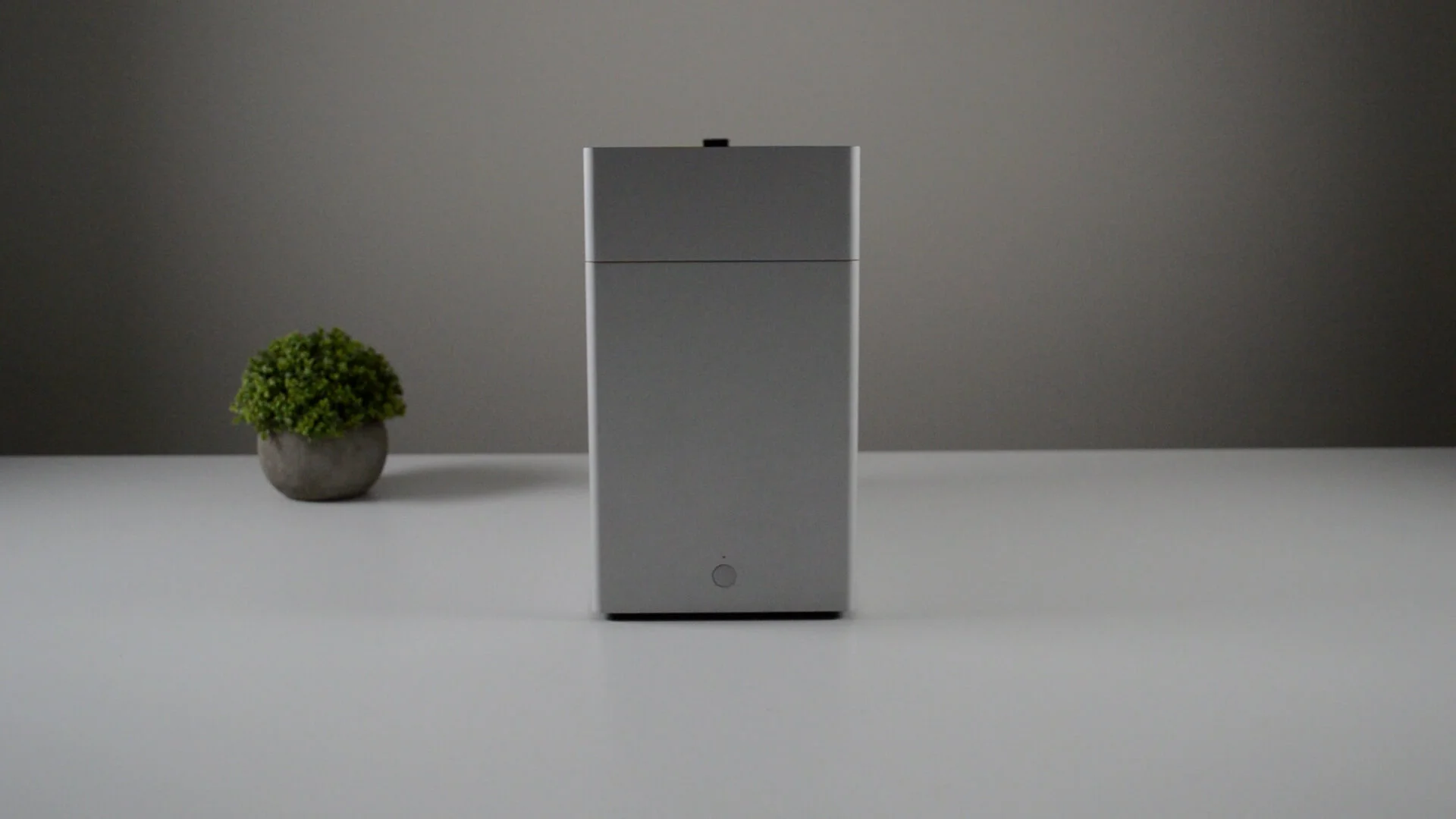
After nearly 4 years of saving up for and planning my gaming rig, I finally bit the bullet and finalised the hardware. The key consideration was to assemble a build which can serve me for at least 5-6 years or more. I admit I did spend more than what was initially budgeted but I decided to splurge a bit more on the graphics card (OK.. a lot more !!).
To start proceedings - The token pre-build picture of all the components before unboxing:
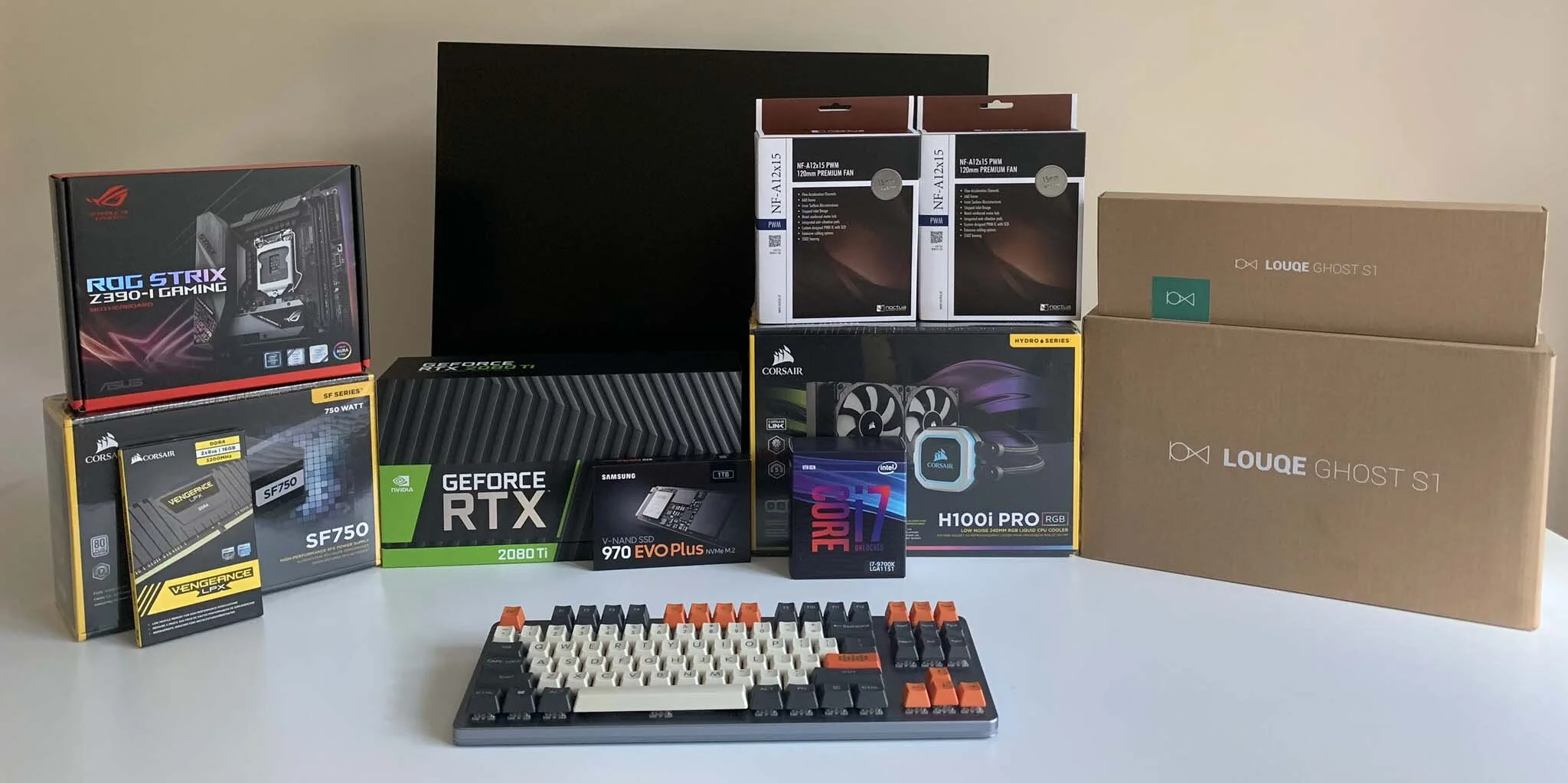
Researching about and buying the parts are always half the fun when it comes to PC building. I spend a good part of a year to read up and decide on the parts but the long wait was also to provide time for me to save up for the more expensive components. I’ve jotted down my rationale for choosing each part along with the price and buying experience for any reader of this blog to critic and argue. Note that the rationale for my choices of component stands true for the time frame Feb 2019 to Dec 2019.
Case
Louqe Ghost S1 (Limestone) with one large top hat
I started this whole exercise with the form factor fixed on small so the Ghost S1 was already on the top of my list. Hunting down the case though was a whole new challenge with stocks rarely appearing in amazon but flying off the shelfs within moments. I had to follow Louqe in Twitter for announcements and place an order at the opportune moment. My choice of color was Limestone, which was ideal to hide scratches and not be an eye sore on the desk. I also got a large top hat so as to accommodate a 240mm AIO radiator and to have sufficient room for a thin 240mm fan at the bottom. I’ve explained my design choices down in the post.
Choosing a case is always tricky but, on top of its good looks and Aluminum build, the Ghost S1also has another advantage, which was a key contributor towards my final choice - The ability to dismantle the case into flat pieces. Leaving the country always hover over my head with the ever-present precarious visa situation in the US and it would be a shame to dispose of any good case if I have to pack up and leave.With the Ghost S1, I can always pack it efficient in a suitcase.
CPU
Intel Core i7-9700K
The choice between Intel and AMD was quite straightforward back in early 2019 as AMD Ryzen benchmarks were not up to mark. In retrospect, how wrong could I have been. The i9, though enticing, was immediately taken off the table given its selling price. The options were naturally an i7-9700, i9 (both 9th gen) or a Ryzen 3700X. . Between the i7 and 3700X, I admit I fell for the Intel brand name but AMD back in 2019 was really behind in reputation which led me to believe that Intel would be a better future investment. Performance wise early reports suggested that the Ryzen 3700X outperformed the i-7 but the chip was newly released at the time and I simply did not want to take the risk. Also, the i7 had integrated graphics which will always come in handy in the event of the dedicated GPU crash.
Motherboard
ASUS ROG Strix Z390-I LGA 1151 Mini-ITX Gaming Motherboard
Mini ITX motherboards were easy to pick as there where only a hand full of good ones that were even worth looking in. The Z390-I was my choice as it offered only what I wanted, with no jazz, and nothing else for a reasonable price. I had two requirement on top of the features one would expect from a modern day motherboard. Firstly, two M2 sockets was an important requirement for me for future upgradability. Second, enough fan headers to power at least two chassis fans and one AIO pump. The RGB game was kept to a minimum and or could be controlled via a software which was an added bonus.
Detailed specs can be found at the ASUS website.
Memory
Corsair 16GB Vengeance LPX DDR4 3200 MHz
Nothing much to discuss here. Requirements were simple: a reputable brand (read how this help here) and with no RGB. The height clearance is also something that was a concern initially when I was still deciding on the cooling solution but once I decided on liquid cooling with generic pump, the height was not too much of a concern.
GPU
Nvidia Geforce RTX 2080Ti Founders edition
Well well, the hero of the entire show. Picking the GPU was my hardest, the most time consuming and the most controversial decision. The choice (back in early 2019) was of course a 20 series Nvidia card but choosing between a 2060 and 2070 was daunting. As mentioned before, future proofing was a top priority so I was lending more towards the 2070 given the budget and the power budget within a small form factor case.
Alas, the irrational being inside of me though had a more devious plan and made me lust after something that was above the reach and necessity. The holy grail, the 2080ti, was appearing in my dreams beckoning me to embrace it. I even did what I would usually do when I have to made big decisions - fill the pros and cons table. The cons, naturally, heavily overweighed the pros. Sometimes you really are not strong minded as what you thought you were.

So I got myself...
Erase that. I gouged my savings on a 2080ti. I decided to delay my build by a few months to save some more cash and handed over my hard earned savings to Nvidia.
My experiences with the 2080ti and benchmarks deserve a blog post of its own so I’ll end this topic here. The blog post will be linked here once its available.
Power supply
Corsair SF Series, SF750, 750 Watt, SFX, 80+ Platinum Certified
With great powers, literally, comes the need for a great power supply. I followed the predominantly unanimous age old advise of all PC builders to not cheap out on the power supply. My power calculations showed a 600 W to be within limits but I went with a 750W supply for future proofing purposes. Corsair was my choice because of good reviews and reputation.
Storage
Samsung 970 EVO Plus 1TB SSD
The SSD prices were hovering at a reasonable prices in the mid 2019s so a Samsung SSD was an easy choice again. On a side note, he PRO version from Samsung was never in the cards for that was definitely an overkill for my workload.
Cooling solution
Corsair Hydro Series H100i PRO RGB AIO Liquid CPU Cooler, 240mm / Noctua NF-A12x15 PWM 240mm
In the early to mid 2019, the Ghost S1 did not accommodate most air coolers. The popular Noctua air coolers, for instance, did not have enough clearance to comfortable sit within the case. Also, I wanted some breathing room for the components with sufficient air flows so an liquid cooler was the logical choice. A Noctua 240mm fan was also thrown into the mix to achieve a negative air pressure set up, which I shall write about in more detail in another blog post. The blog post will be linked here once its available.
Custom cables
Pslatecustom
As I was building, it became apparently that the cables provided with the power supply were too long and messy to be used in a SFF build. I had to blend and stuff the cables into all nuke and corner just to be able to close up the case. The air flow situation was taking a nasty turn and I was also not able to install the 240 mm fan at the bottom. I had to go with a custom made solution.
Pslatecustom was my choice to get the cables done as they offered cables measured just for the ghost S1 with an impressive choice of color customization. Though expensive, it saved me considerable time from measuring the cable lengths and from the long cumbersome ordering processes from the other websites.
Display
Dell 2716DG - 144Hz with G sync.
So how did it all fit together?